Systems
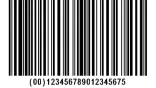
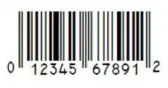
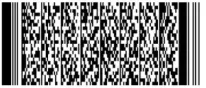
Barcoding starts with a process flow: how labels are generated for inventory, how stock operations are processed, and how goods are packed and shipped.
Some suppliers send items pre-labeled. In other workflows, your team may need to break down pallets and label units for individual sale.
We can help identify a process flow and establish methods for barcoding the key inventory attributes.
Use Cases
- Shelf / Rack labels
- Inbound Receiving
- Pick / Pack Lists, Shipping Documents
- Asset tags
- Serial / Lot numbers
- A variety of other documents
- Inventory Catalog
Printing
On-Demand printing allows for users to pick and choose what labels to print and what situations to print them. Be it a stock receive, pick list, or otherwise.
Automatic printing allows for barcodes to be printed automatically for performing tasks throughout the system. Be it cycle counts, receiving, picking, packing.
See our Supported Printers page for supported models, from compact desktop units to industrial printers for 24/7 operations.
Scanners
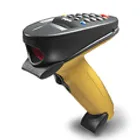
For specific model information, see our Supported Scanners page - enterprise scanners from Zebra, Honeywell, and Datalogic.
USB Wired
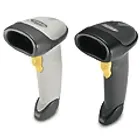
A classic wired desktop scanner. Fast, affordable, and reliable, though limited by cable length.
Camera Scanning
Good for on-the-go, lower-volume scanning. Built into Inventory Pro Mobile on supported devices.
Dedicated Scanners
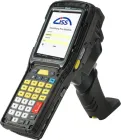
Rugged Android devices with built-in scanning hardware for high-volume warehouse work.
USB Wireless
Desktop or tablet scanners commonly used for larger items. Fast and reliable for fixed stations.
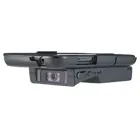
Hardware Sleds
Specialized phone or tablet cases with built-in scanners, often used on forklifts and medium-volume workflows.
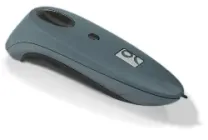
Bluetooth
Useful for medium-volume operations that want flexible, readily available hardware.
Take Control of Inventory Operations
See how Inventory Pro handles receiving, barcode scanning, order fulfillment, reporting, and mobile work. Start with the pages your team cares about most.