Order Fulfillment and Shipping Software
Run purchasing, receiving, picking, packing, and shipping in one cloud workflow built for busy warehouse teams.
How Inbound Orders Move Through Inventory Pro
InventoryPro keeps purchasing and receiving tied together, so your warehouse is not working from a spreadsheet or email trail. Buyers can create purchase orders, track supplier pricing, and hand the receiving desk a clear list of what should arrive.
- Receive full or partial lines and let the order status update itself
- Keep the remaining quantity open for later delivery without manual tracking
- Pull supplier defaults into the order to cut data entry at receiving time
- Use lead times and demand history to plan the next replenishment cycle
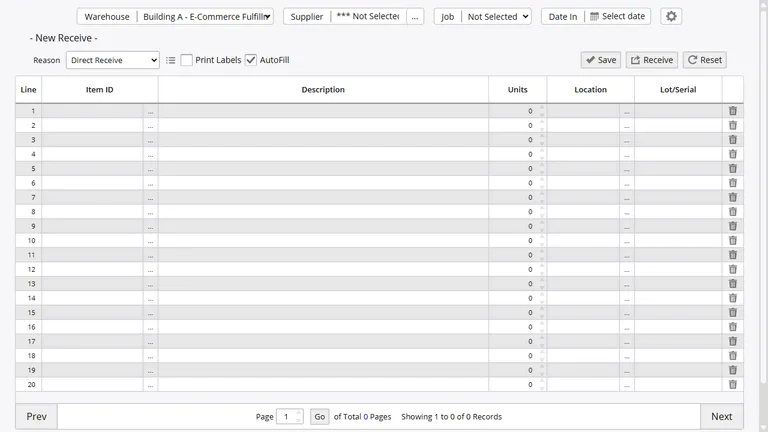
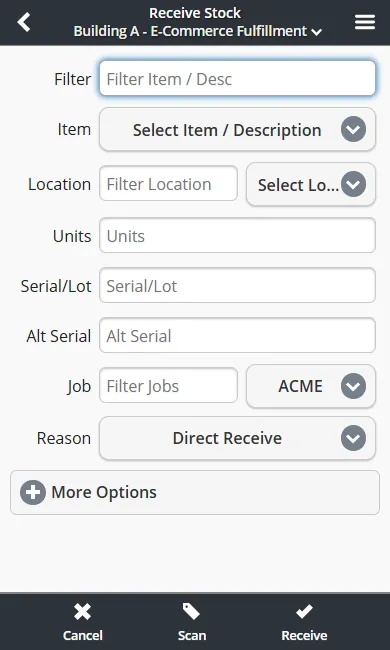
The same receiving flow works on the warehouse floor. Staff can scan items on a handheld device, confirm what actually showed up, and post the receipt without going back to a desk.
Shipping Workflows for Cloud Fulfillment
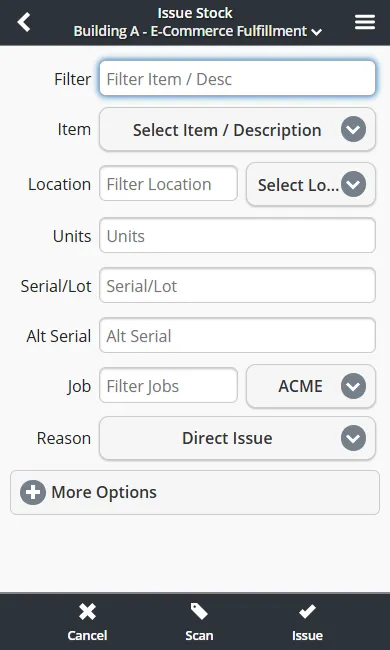
Shipping orders give your team one place to manage customer details, line items, committed stock, and shipment progress. As orders are released, Inventory Pro allocates inventory in real time so pickers and customer service are looking at the same availability.
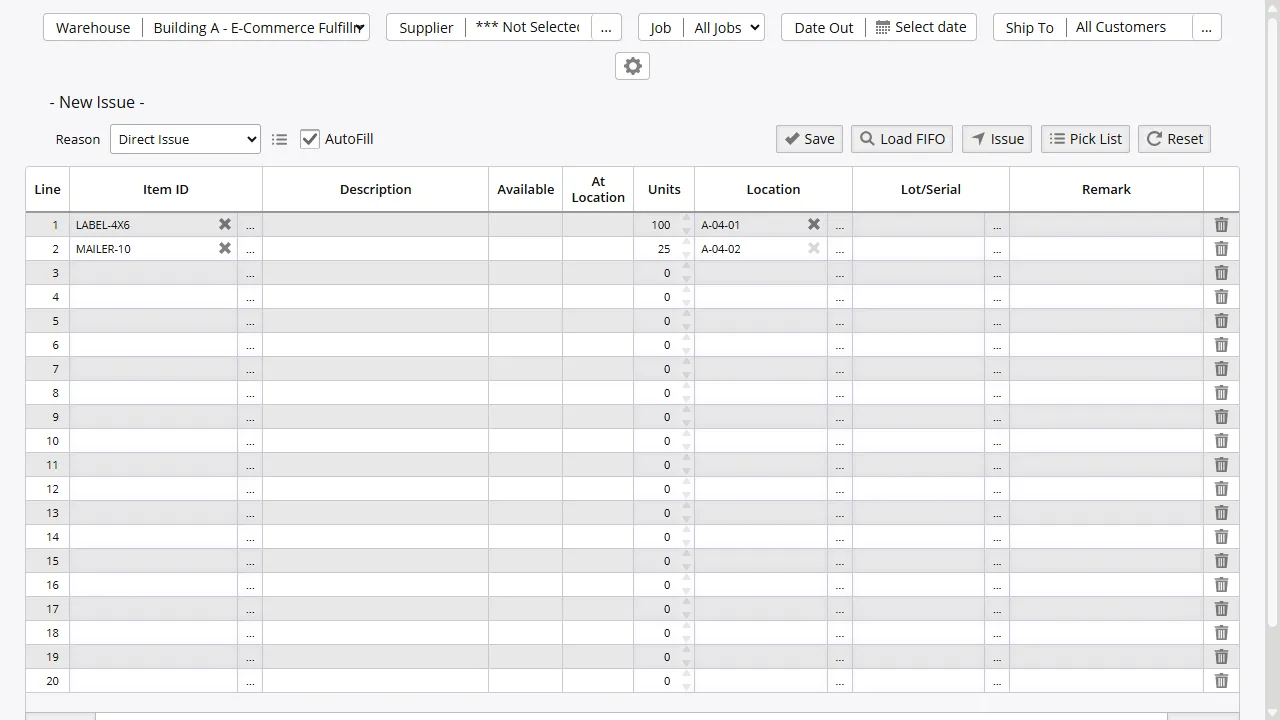
Pick lists send staff to the right bins in sequence, then packing moves orders into a checked state before they are shipped. Packing slips, labels, partial shipments, and backorders all stay tied to the same order record.
Approval rules can hold selected orders until a supervisor reviews them, which helps stop the wrong shipment from leaving the building.
Fast Paths for Simple Orders and Expected Deliveries
Some warehouse work needs the full purchase order cycle. Some does not. InventoryPro includes quick orders for short, low-friction transactions and appointments for inbound deliveries that need visibility before the truck reaches the dock.
That mix is useful for high-volume operations, shared warehouses, and 3PL teams handling recurring receipts. You can record what is expected, receive against it when it arrives, and keep the dock moving without creating more paperwork than the job needs.
Batch Picking for High Order Volume
When order counts climb, walking one order at a time slows everything down. Multi-pick groups demand by location so staff can collect items for several orders in one trip and sort them later at pack-out.
The same thinking applies to putaway. Teams can stage incoming stock, follow one route through the warehouse, and use barcode checks to confirm that each item lands in the right bin.
Delivery Status and Returns in One Record
Inventory Pro tracks deliveries coming in and going out, including routes made on your own vehicles. Mobile signature capture links proof of delivery directly to the shipment so support staff can answer status questions fast.
Returns use the same order history. Customer returns and supplier returns adjust stock, update status, and keep the reason for the return attached to the transaction for later review.
Replenishment Signals That Keep Orders Moving
Order fulfillment depends on having the right stock ready before the next wave of demand hits. InventoryPro looks at current quantities, open commitments, supplier lead times, and usage patterns to suggest what should be reordered next.
When stock drops below target levels, the system can flag it for review or build purchase orders with much less manual work. That helps growing teams stay ahead of backorders without carrying more inventory than they need.
Ship More Orders With Less Rework
See how InventoryPro keeps purchasing, warehouse fulfillment, and shipping status in one cloud order flow.