Repair Orders and Service Scheduling
Keep service intake, repair parts, labor, and invoices tied together instead of splitting the job across separate tools.
Repair Order Tracking from Intake to Invoice
Repair orders keep the intake details, work performed, line items, and billing view inside one record. That makes it easier for service teams to hand a job from one stage to the next without losing detail.
- Track parts usage and labor by repair job
- Carry totals into the invoice view when work is done
- Reopen completed repairs if more work is required
Parts Issuing Inside the Repair Order
Parts can be issued straight from inventory against the repair order, so stock counts and job cost stay accurate without a second entry step.
Permissions still control who can issue stock and whether negative inventory is allowed, so service speed does not come at the expense of inventory control.
Service Appointments and Planned Intake
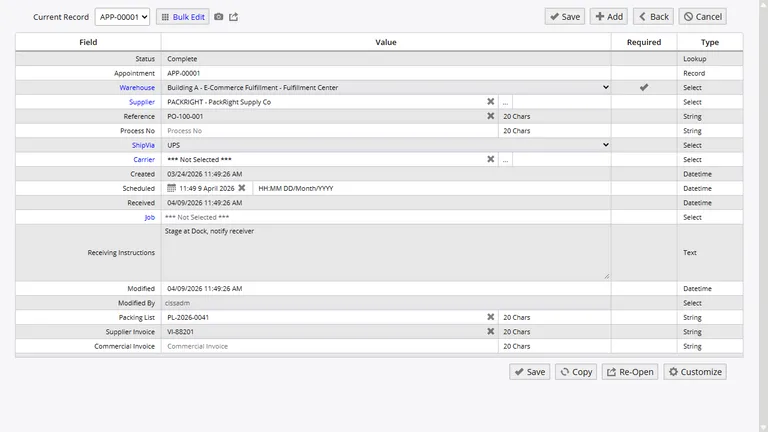
Appointments let teams schedule expected work before the repair starts. You can record the customer, date, expected parts, and service notes so intake is not handled from memory.
When the item arrives, the appointment can flow into the repair process with the related documentation and line details already attached.
Service Costs and Turnaround Reporting
Repair reports give managers a view of parts used, labor spent, and turnaround time by job. That makes it easier to spot expensive repair patterns and backlogs before they grow.
Keep Parts and Service in One System
Use Inventory Pro to connect repair intake, stocked parts, labor, and invoicing without jumping between warehouse and service tools.