Cloud WMS for Warehouses and 3PLs
Control locations, picking, putaway, and transfers across one warehouse or a full 3PL network.
One Cloud View Across Every Warehouse
InventoryPro supports single-site warehouses, regional networks, and 3PL operations that manage stock for several clients. Each facility can keep its own rules while still rolling into one shared system.
- Control warehouse access by role so each team sees the right sites
- Build separate location trees and restocking settings for every facility
- Support owned inventory, shared stock, and 3PL customer activity in one account
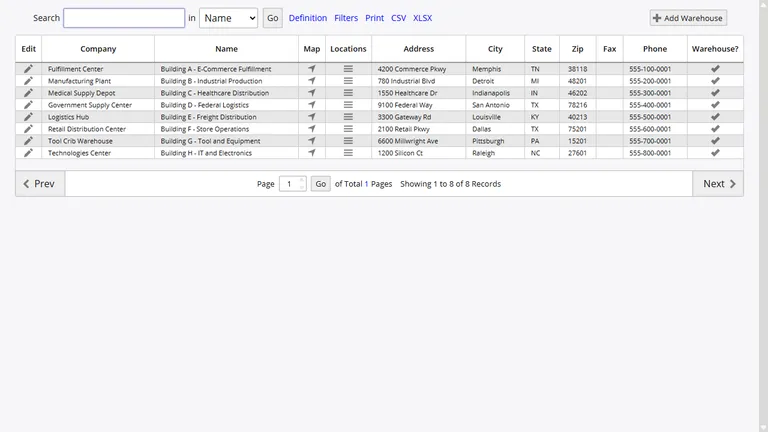
Bins, Aisles, Zones, and Location Rules
Each warehouse can mirror the way your floor is really laid out, from zones and aisles down to shelves and bins. That gives receiving, picking, and counting teams a consistent location structure instead of free-form notes.
Location barcodes can be printed from the system, and parent-child relationships help you manage complex spaces such as mezzanines, cold storage, or bulk staging areas without losing track of where stock sits.
Mapped Layouts for Faster Picking and Putaway
Warehouse maps turn the physical floor into a working guide for daily tasks. Zones, aisles, and storage areas can be sequenced so pick lists follow a clean path and putaway sends stock where it belongs.
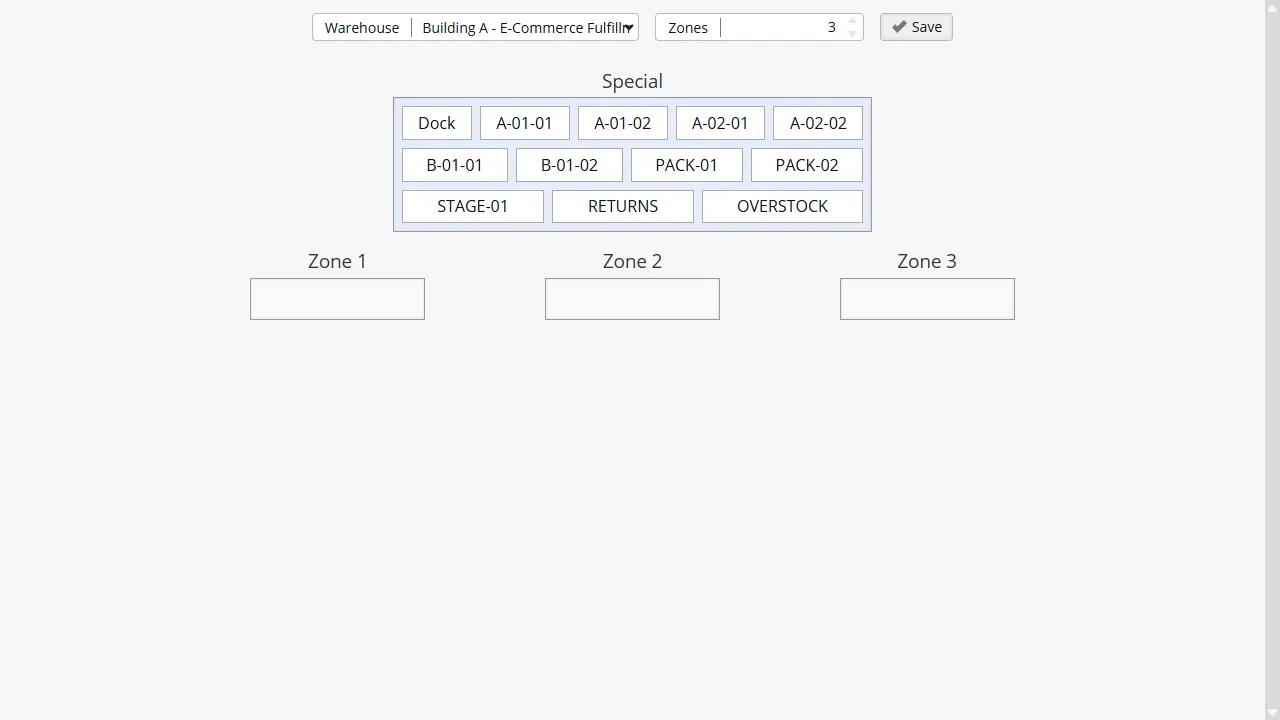
The same setup works for smaller storerooms and large distribution sites, including zones built around velocity, handling rules, or temperature.
Guided Work for Pick, Pack, and Putaway
Inventory Pro helps staff move through the warehouse in a defined order. Pick lists can follow FIFO or FEFO rules, barcode scans can confirm the right bin, and putaway can direct stock to preferred locations based on defaults and current space.
For busy operations, multi-pick and staged packing cut repeat travel and keep order volume from turning into aisle congestion. That matters for growing businesses and 3PL teams managing several client orders at once.
Pick Sequencing
Build pick lists in zone and location order so staff spend less time walking back over the same ground.
Multi-Order Picking
Group several orders into one pass through the warehouse when volume spikes or cutoffs get tight.
Directed Putaway
Send inbound stock to locations that fit the item, the zone rules, and the available space.
Pack Verification
Move picked lines through a checked packing step before shipment is finalized.
Control Which Items Live In Which Sites
Item-to-warehouse assignments let you decide where products can be stored, received, and shipped. That helps multi-site teams avoid sending work to a facility that should not carry that item.
Inventory Pro also checks for active stock before an assignment is removed, which prevents cleanup work from breaking live warehouse data.
Transfers Between Sites Without Guesswork
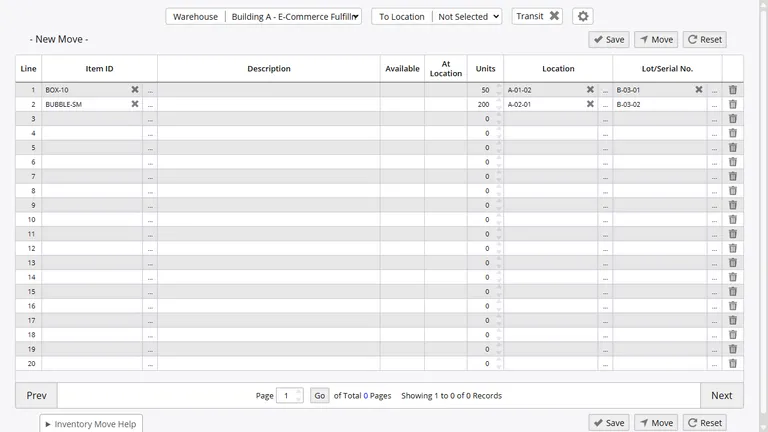
When stock leaves one warehouse for another, the transit record shows each step so both sides know what has happened. Dispatch, in-transit, and received states keep transfers from turning into email chases.
Dispatched
In Transit
Received
Run A Smarter Warehouse Network
Set up one site or many, keep location data clean, and give warehouse teams a cloud WMS they can use every day.