Single Sign-On for Inventory Pro
Let users sign in through the identity system your business already manages.
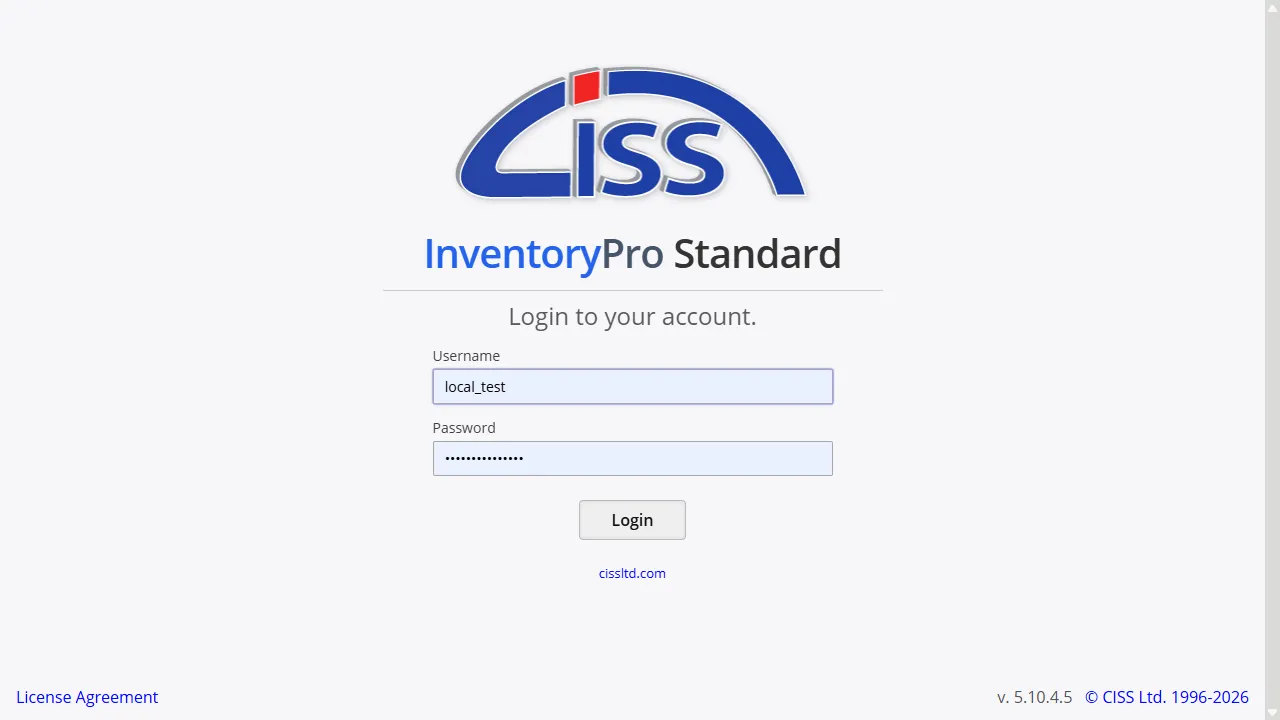
Windows and Active Directory Login
For businesses using Windows domains, Inventory Pro can authenticate users through Active Directory so they do not have to manage a separate warehouse password.
When a user is tied to a domain identity, changes in Active Directory can affect access right away. That keeps your IT team managing one identity per person instead of two.
Okta and Cloud Identity
Okta gives teams a cloud-based way to sign in to Inventory Pro alongside other business apps. Users authenticate once, then open the tools they need without keeping another password on hand.
That is useful when your business uses a mix of web apps and internal tools, because the same Okta policies and MFA rules can apply across all of them.
Smart Card and CAC Login
Organizations that require hardware-based login can use smart card or CAC authentication with Inventory Pro. Users sign in with the card and PIN flow already familiar to them.
This option is useful when password-only access is not enough and the sign-in process must match existing card-based security practices.
Role Mapping After Sign-In
After authentication, Inventory Pro still needs to know what that user is allowed to do. With Okta, group claims can map directly to Inventory Pro permission groups so access changes follow the user's current role.
With Active Directory or smart cards, the external identity controls who can sign in while Inventory Pro controls what they can reach after they get in.
Let Users Sign In the Way Your Business Already Works
Reduce password sprawl and keep access tied to your existing identity rules while your team continues working in Inventory Pro.