UPS WorldShip Order and Tracking Sync
Speed up shipping by moving order details into WorldShip and tracking data back into Inventory Pro.
Send Order Data Into WorldShip
WorldShip can read from the InventoryPro database so shipping staff can pull up an order and see the customer and shipment details already filled in.
The connection is mapped during setup so WorldShip receives the fields it expects from your existing order structure.
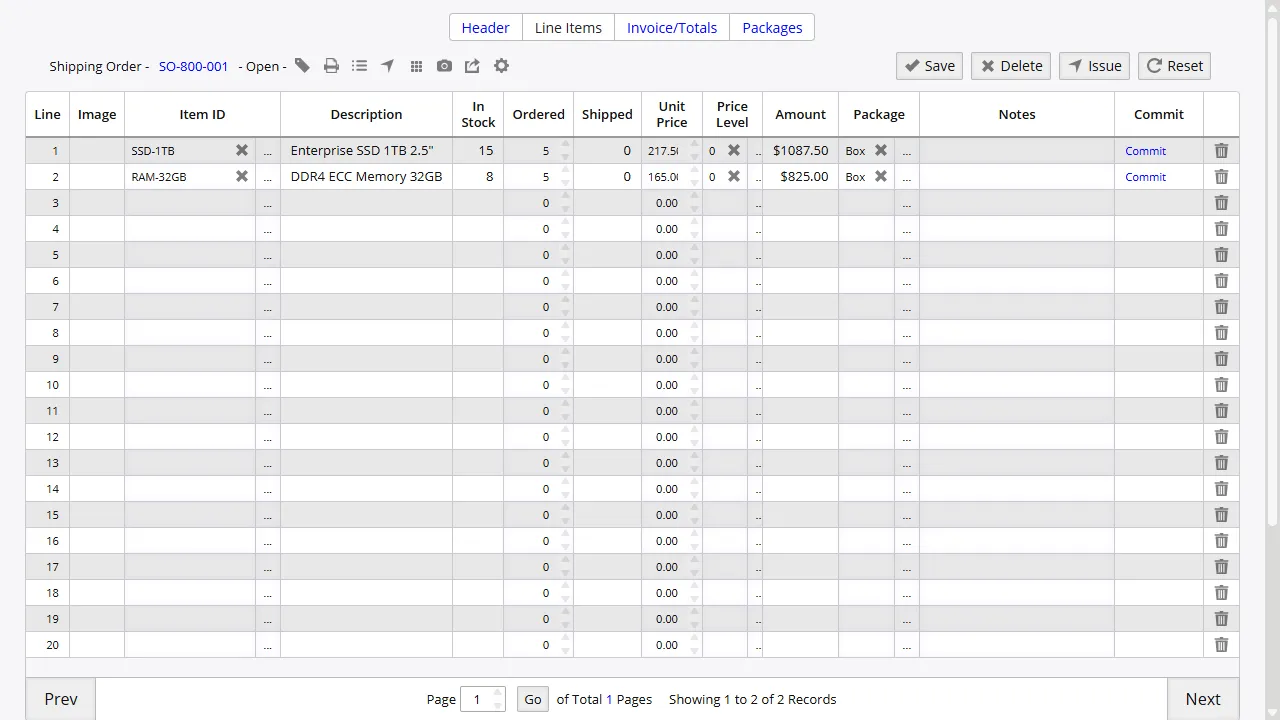
Fill Shipping Addresses Automatically
Customer name and destination address data can move from Inventory Pro into WorldShip when the order is selected, which removes a common source of manual entry mistakes.
That is especially useful for busy shipping stations where speed matters and address typos turn into delays or returned packages.
Write Tracking Numbers Back to Orders
After a shipment is processed, tracking numbers and package details can flow back into the matching InventoryPro order so operations and customer service are working from the same record.
That removes the need to paste tracking data into another screen after the label has already been printed.
Keep Your Existing WorldShip Process
The integration works with the WorldShip process your team already knows. Shipping staff still use WorldShip for label printing and carrier communication while Inventory Pro supplies order data.
Setup covers both directions: order data into WorldShip and tracking data back out again, mapped to your current order structure.
Ship Faster Without Re-Typing Order Data
Use Inventory Pro and WorldShip together so order entry, label creation, and tracking updates stay in step.